
Bike Universe Troubleshooting: Fix Common Roblox Issues
A source-backed Bike Universe troubleshooting guide covering game identity, missing features, codes, access issues, and official updates.
Bike Universe Troubleshooting: Start With the Official Experience
A loading error, missing bike, or unclear control can make Bike Universe troubleshooting difficult when the game is still in beta. The fastest way to avoid bad fixes is to confirm that you are using the official Roblox vehicle simulation before investigating a possible bug. This guide separates confirmed information from features that have not been documented by the developer.
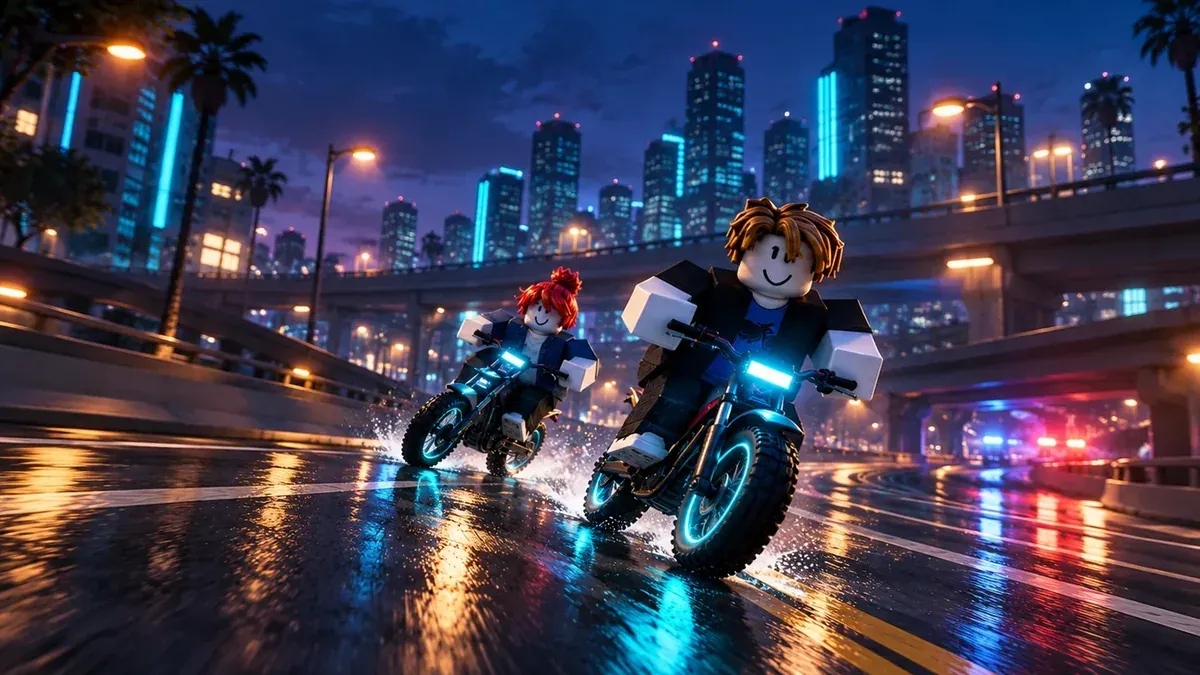
The official experience is Bike Universe on Roblox. It is the Roblox game with electric, dirt, and pedal bikes, along with physics-based activities such as wheelies, tricks, burnouts, and stompies. The official description also confirms that some bikes support two riders.
Because the game is identified as beta, menus, controls, bikes, and other systems may change. Treat unofficial lists of controls, rewards, locations, and codes carefully unless they match a current developer announcement or the live experience.
Confirm the Game and Roblox Session
Before troubleshooting a specific feature, verify these basics:
- Open the official Bike Universe experience page rather than a similarly named game or website.
- Confirm that Roblox launches the experience associated with Place ID 98628861455414.
- If you are joining with friends, remember that ordinary servers have a 20-player limit.
- Check whether the issue affects only one server or occurs every time you join.
- Reopen Roblox and try joining the official experience again if the game fails to load.
The Roblox universe associated with Bike Universe is Universe ID 10768284407. Roblox lists the developer group as 1023905242, which can help you distinguish official announcements from unrelated community pages.
A server limit does not, by itself, explain every joining problem. It does provide useful context if a friend cannot enter the same server. Avoid assuming that a failed join is caused by a full server unless Roblox displays a relevant message or the developer confirms it.
What Is and Is Not Confirmed
The available official information confirms the game’s broad concept, but it does not provide a complete troubleshooting manual. Use the table below to avoid treating guesses as documented mechanics.
| Topic | Confirmed information |
|---|---|
| Game type | Roblox vehicle simulation |
| Bike categories | Electric, dirt, and pedal bikes |
| Riding activities | Wheelies, tricks, burnouts, and stompies are described officially |
| Passenger support | The official description mentions two-seated bikes |
| Game status | The experience is described as beta |
| Server capacity | Ordinary servers have a 20-player limit |
| Controls | No complete official control list is supplied |
| Bike statistics | No verified stat comparison is supplied |
| Map locations | No official location guide is supplied in the reference material |
| Reward rates | No verified coin or reward rates are supplied |
| Redeem codes | No active code is verified by the available official snapshot |
This means a missing button, unexpected bike behavior, or different control layout cannot be explained confidently from the available sources. Test whether the issue persists after rejoining, then check the official experience page and developer community for a current announcement.
Troubleshooting Missing Bikes, Items, or Features
If a bike or item does not appear, first check whether it was officially announced as available. Do not assume that a name shown in a video title or community post represents a currently obtainable item.
The official game-pass listing recorded on October 20, 2026 showed these entries:
- Luxury Pack: 599 Robux
- Stryk Vorg: 399 Robux; the listing says it grants the Stark Varg
- More Builds: 99 Robux
- 2X Cash: 199 Robux
- VIP: 249 Robux
Prices and availability can change. Check the official Roblox game-pass listing before purchasing. The listing leaves Luxury Pack, More Builds, 2X Cash, and VIP effects undescribed, so do not rely on their names alone.
If a purchased pass or bike is not visible:
- Confirm that you are in the official Bike Universe experience.
- Leave and rejoin the game.
- Check the live pass listing and your Roblox purchase history.
- Look for a developer announcement about delays or changes.
- Contact Roblox support or the developer through official channels if the purchase remains missing.
These steps do not guarantee an immediate fix, but they help separate an account or purchase issue from a game-content question.
Codes, Events, and Update Confusion
No active Bike Universe redeem code is verified by the supplied official sources. Do not present a code as working simply because it appears in a search result, video title, or social media post. For current announcements and possible codes, monitor the Bike Universe developer community and the official experience page.
Event timing also matters. The developer advertised AI cops and a new map for a community rideout on October 17, 2026, but the official event information does not document exact cop behavior, map coordinates, or mission rewards.
A separate Halloween event was announced to begin on October 21, 2026, at 23:00 UTC, with limited-time bikes and items. Since this guide is dated October 19, that content should not be described as already released. If an event bike or item is missing before the announced start time, it may simply not be available yet.
Community videos can be useful for showing player experience, but they are not a substitute for current availability information. Check the developer’s listings before concluding that a feature has launched, changed, or been removed.
When to Report a Bike Universe Bug
Report a problem when it remains reproducible after rejoining and is not explained by an announced event, purchase delay, or server issue. Include useful details such as:
- The official experience link
- What happened and what you expected
- Whether the issue occurred once or repeatedly
- The bike or item involved, if applicable
- The approximate time of the problem
- Any Roblox error message shown
Avoid reporting an unverified control scheme or reward expectation as a confirmed bug. For example, if a button does not perform an action, the control may be undocumented rather than broken. The official sources do not provide a complete control map or detailed mechanics guide.
Bike Universe Troubleshooting FAQ
Why is Bike Universe not loading?
First confirm that you are opening the official Roblox experience, then leave and relaunch Roblox. If the problem continues, check the experience page and developer community for current announcements. The supplied sources do not identify a specific known loading issue.
Why can’t I find a Bike Universe code?
No active redeem code is verified in the available official snapshot. Check the official developer community for current announcements instead of relying on an unverified code list.
Are Bike Universe controls officially documented?
A complete control list is not included in the available official material. The game does officially describe wheelies, tricks, burnouts, and stompies, but the sources do not confirm the exact keys, buttons, or controller inputs for those actions.
Is a missing event bike a bug?
Not necessarily. Limited-time Halloween bikes and items were announced for October 21, 2026, at 23:00 UTC, so they should not be treated as available before that time. For any later availability question, check the live official experience and developer announcements.
Where should you go next?
Related Articles
bikes
Bike Universe best bike: What’s Confirmed and How to Choose
Is there a best bike in Roblox Bike Universe? See what official sources confirm and what to check before choosing or spending Robux.
bikes
Bike Universe bike types: What’s Confirmed in Roblox
A source-backed look at electric, dirt, pedal, and two-seated bikes in the Roblox Bike Universe experience.
bikes
Bike Universe Bike Upgrades: What’s Confirmed in Roblox
Learn what is confirmed about Bike Universe bike upgrades, game passes, bike types, and where to check official updates.
Was this helpful?
Thanks for the feedback!